> ## Documentation Index
> Fetch the complete documentation index at: https://anvil.servicetitan.com/llms.txt
> Use this file to discover all available pages before exploring further.
# AI Tooling and Anvil2
Anvil2 can be integrated into a variety of AI tooling to speed up workflows. This guide shows how to use the design system across these tools.
# Overview of Tooling
Anvil2 is set up to be consumable to other AI tooling. Anvil2's codebase is reachable as a [public NPM package](https://www.npmjs.com/package/@servicetitan/anvil2), and its documentation via an MCP server. The Anvil team is always available to provide additional help on the [#ask-designsystem](https://servicetitan.enterprise.slack.com/archives/CBSRGHTRS) Slack channel.
Below is a list of common tooling that utilizes Anvil2 in some way.
| Tool | Primary audience | Capabilities | Uses Anvil2's codebase? |
| ------------------------------------------------------------------------------------ | -------------------------------------- | --------------------------------------------------------------------------------------------------- | ------------------------------ |
| [Figma Design](#figma-design) | Product Designers | Produce high-quality design artifacts. Minimal AI. | Indirectly |
| [Figma Dev Mode (Code Connect)](#figma-dev-mode-code-connect) | Engineers | Translate Figma designs into code and Figma Make that uses Anvil2. Enhances Figma MCP capabilities. | Yes |
| [Figma Make](#figma-make) | Product Managers and Product Designers | Prompt out prototype-grade coded UI examples using Anvil2. | Yes, if using Anvil's template |
| [AI-powered Code Editors](#with-ai-powered-code-editors) (Cursor, Claude Code, etc.) | Engineers, Product Designers | AI-assisted coding with Anvil2-specific rules and guidelines. | Yes, if prompted to |
| [Storybook](#with-storybook) | Engineers and Product Designers | Generate UIs and test components with Anvil2 in an interactive workshop environment. | Yes, if prompted to |
| [Claude Design](#with-claude-design) | Product Managers and Product Designers | Prompt out conceptual, prototype-grade coded UI examples. | No |
## With Figma
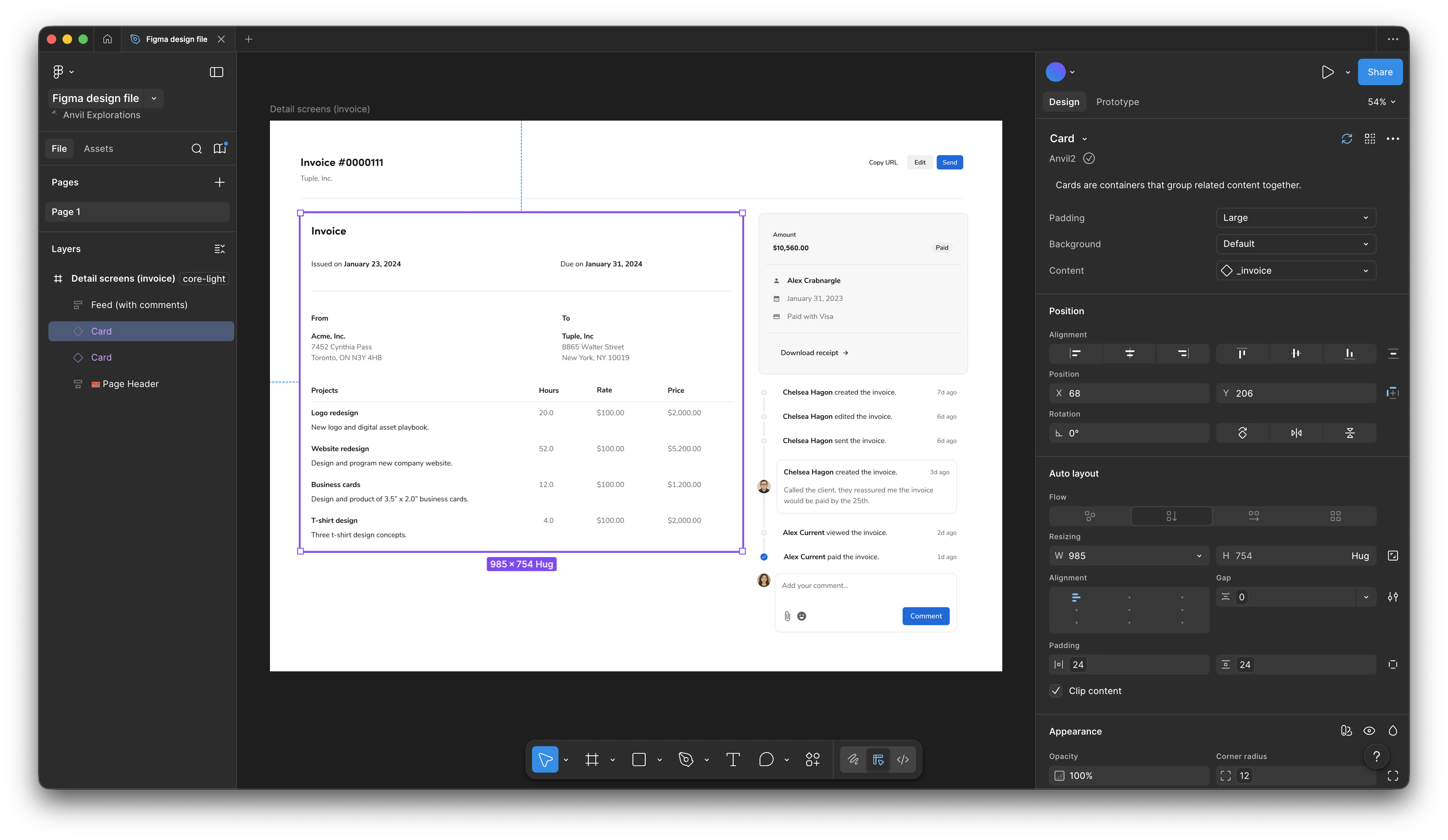
Figma is the tool of choice for many builders to create UI artifacts. [Figma Design](#figma-design) is the most common way product designers create UI artifacts. [Figma Dev Mode (Code Connect)](#figma-dev-mode-code-connect) allows builders to both implement Figma Design work and to generate code using Anvil2 + Figma Design. [Figma Make](#figma-make), their most recent tool, provides a way to prompt out prototype-grade code, used by many builders.
### Figma Design
| Primary audience | Capabilities | Uses Anvil2's codebase? |
| ----------------- | --------------------------------------------------------------------------------------------------------- | ----------------------- |
| Product Designers | Produce high-quality design artifacts for other AI tooling. Heavy usage of Anvil2, but minimal direct AI. | Indirectly |
Figma Design on its own utilizes Anvil2 significantly through its component library, but by itself does not provide additional AI capabilities. Anvil2, through Code Connect, allows engineers to translate Figma Design work into code that uses Anvil2.
#### Optimizing a Figma Design file for other AI tooling
A Figma design file can be consumed by other AI tooling. The best practices within a Figma file revolve around smoothing the translation.
* Avoid detaching Anvil2 components as much as possible. Anvil2 components use Code Connect to integrate the Figma asset with its code counterpart. Detaching diminishes this integration.
* Use Figma variables with styling whenever possible. Avoid using the A1 Figma styles.
* Use semantic variables (labeled as `Anvil2 / Semantic` in Figma) over primitive variables (labeled as `Anvil2 / Primitive` in Figma). This enables dark mode compatibility.
* Colors in particular should be defined using variables.
* Spacing values in general should use defined variables.
### Figma Dev Mode (Code Connect)
| Primary audience | Capabilities | Uses Anvil2's codebase? |
| ---------------- | --------------------------------------------------- | ----------------------- |
| Engineers | Translate Figma designs into code that uses Anvil2. | Yes |
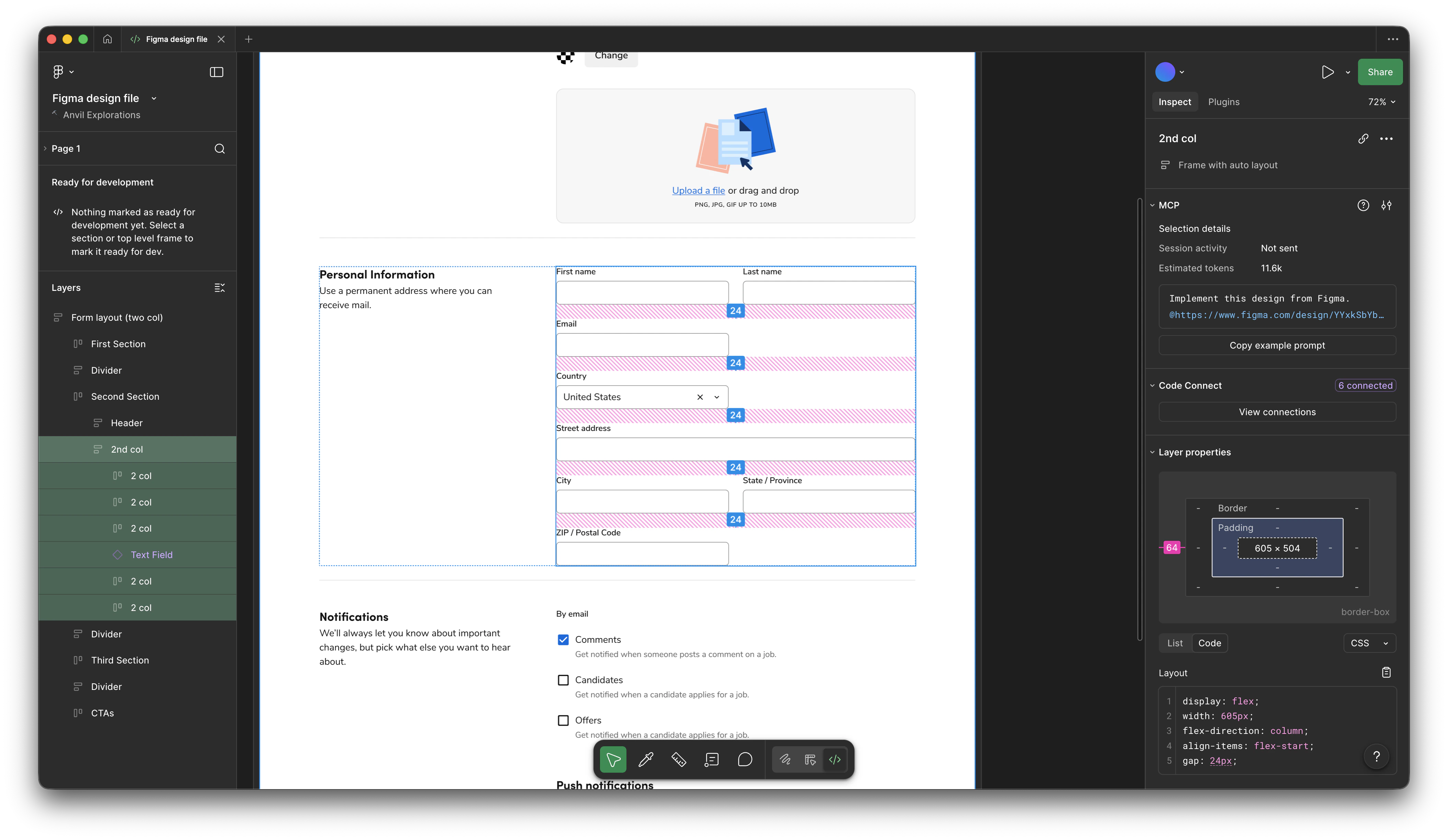
Figma Dev Mode with Code Connect allows engineers to see the exact React code for any component directly in Figma, making handoff seamless and accurate.
```mermaid theme={null}
flowchart LR
A[Figma Design handoff] --> B[Figma Dev Mode]
C[Anvil codebase] --> D["Code Connect (maintained by Anvil team)"]
B -->|Figma MCP| E["Code environment (production, cursor, etc.)"]
D -->|Figma MCP| E
```
#### Code Connect using Anvil2
Code Connect is automatically set up for Anvil2. When viewing the frame of a Figma Design file, a consuming application can pull in the correct configuration of the component.
#### Code Connect using product-specific components
It is possible for product-specific components to also be paired with Code Connect. By creating your own consumable component in code, a designer can in turn create a Figma-equivalent asset, and then an engineer can pair both to Code Connect. This process is owned by individual product teams. More information on how to do this can be found in [Figma's documentation on Code Connect](https://help.figma.com/hc/en-us/articles/23920389749655-Code-Connect).
### Figma Make
| Primary audience | Capabilities | Uses Anvil2's codebase? |
| -------------------------------------- | ---------------------------------------------------------- | ------------------------------ |
| Product Managers and Product Designers | Prompt out prototype-grade coded UI examples using Anvil2. | Yes, if using Anvil's template |
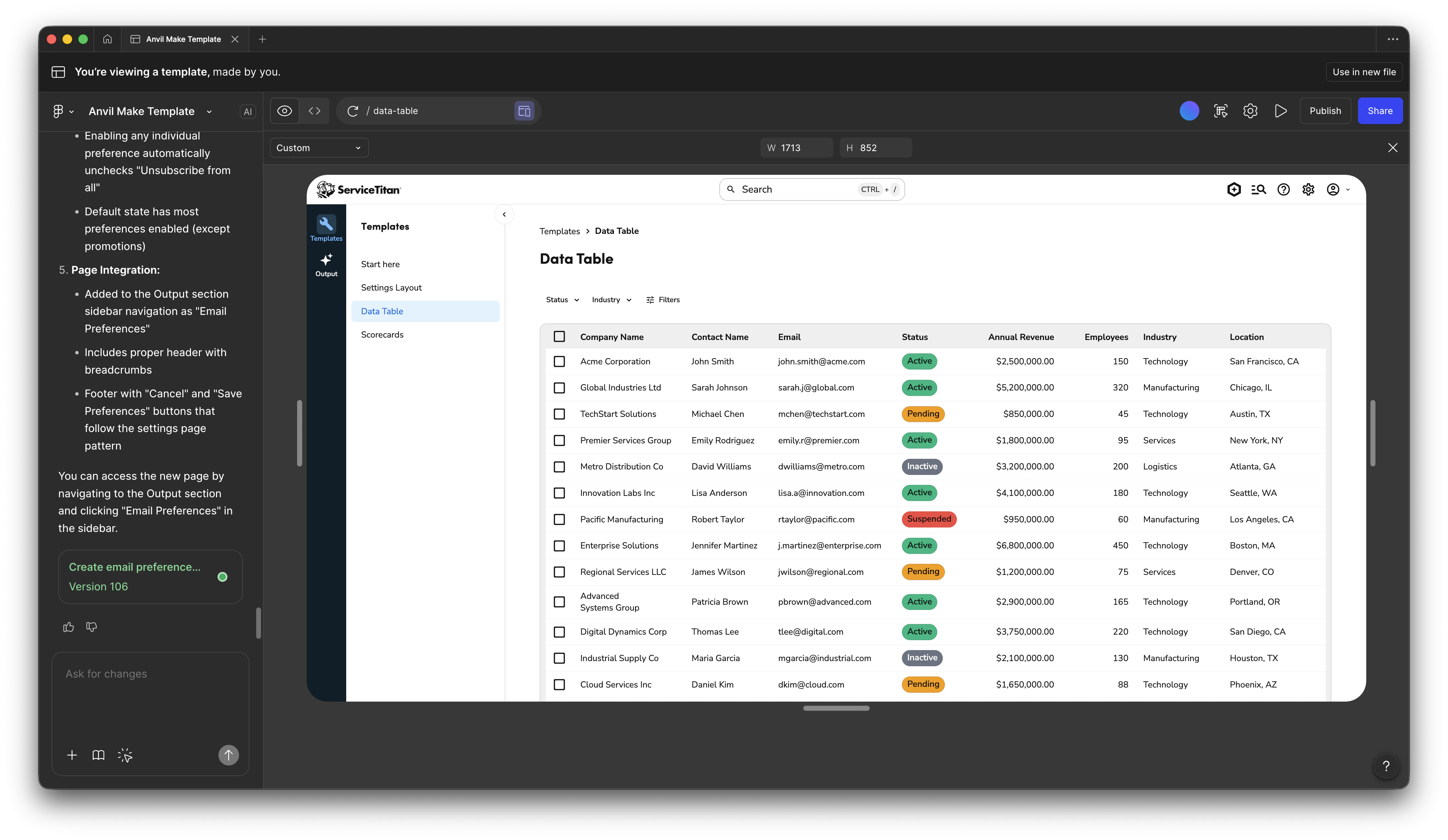
Using the Anvil Figma Make Template generates real Anvil2 component code. While most use it for prototyping, all Figma Make output should be reviewed before production use.
Additional guidelines for builders on Figma Make can be found in [Confluence](https://servicetitan.atlassian.net/wiki/spaces/DES/pages/4018307106/Figma+Guidelines+for+Builders).
#### Combining Figma Make with Anvil2
When using [Anvil's official Figma Make template](https://www.figma.com/make/jN6MrHnzJtjFsWUIuH5nSW/-WIP--Anvil-Make-Template?t=Jynl768tQDfDFQmc-1), Anvil2 is already integrated into the code. If starting from a fresh file, consult the official [Figma Make documentation](https://help.figma.com/hc/en-us/articles/35946832653975-Use-your-design-system-package-in-Figma-Make) for guidance on how to include Anvil2 in your file (our package is called `@servicetitan/anvil2` and is a public package).
##### Anvil2 Documentation Connector
You can also [add an official Anvil2 connector](https://help.figma.com/hc/en-us/articles/36343926263703-Manage-connectors-in-Figma-Make) to your Figma Make file that ties into the Anvil2 documentation site. This allows you to get access to Anvil2-specific rules and guidelines, as well as the ability to generate code examples from the documentation. This is a useful addition when not using the official Anvil2 template.
#### Using guidelines
Guidelines are a critical step in ensuring Figma Make generates accurate UIs. Within a Figma Make file, guidelines can be found by clicking on the gear icon ('Make Settings') and going to 'Adjust guidelines'.
Anvil provides pre-made guidelines for Figma Make, and are provided in our starter template file.
#### Adding product requirements documents (PRDs)
Figma Make can intake in PRDs in a few different ways. Refer to the [Figma Make documentation](https://help.figma.com/hc/en-us/articles/35440096186007-Connect-external-tools-using-Figma-Make-connectors#h_01KAC4Y0E71YB3NMHJJ9HH4PZ8) on how to do this.
#### Basic file hygiene
Many Figma Make files are produced by Builders from many backgrounds. This section outlines some basic practices for maintaining a Figma Make file.
* File location
* Make files should follow the convention of your product area. Read more about the proper workspace structure in [Confluence](https://servicetitan.atlassian.net/wiki/spaces/DES/pages/4018307106/Figma+Guidelines+for+Builders).
* Make files should not live in a drafts directory. This makes them inaccessible to other Figma users, including as shared demos.
* Make files can co-exist with other Figma files (design, Figjam, etc.).
* You can move files after the fact ('Move file...' from the file name dropdown menu) if they are in the wrong location.
* Verify that [guidelines](#using-guidelines) in the file are accurate and up to date.
## With AI-powered Code Editors
| Primary audience | Capabilities | Uses Anvil2's codebase? |
| ------------------------------- | ------------------------------------------------------------- | ----------------------- |
| Engineers and Product Designers | AI-assisted coding with Anvil2-specific rules and guidelines. | Yes, if prompted to |
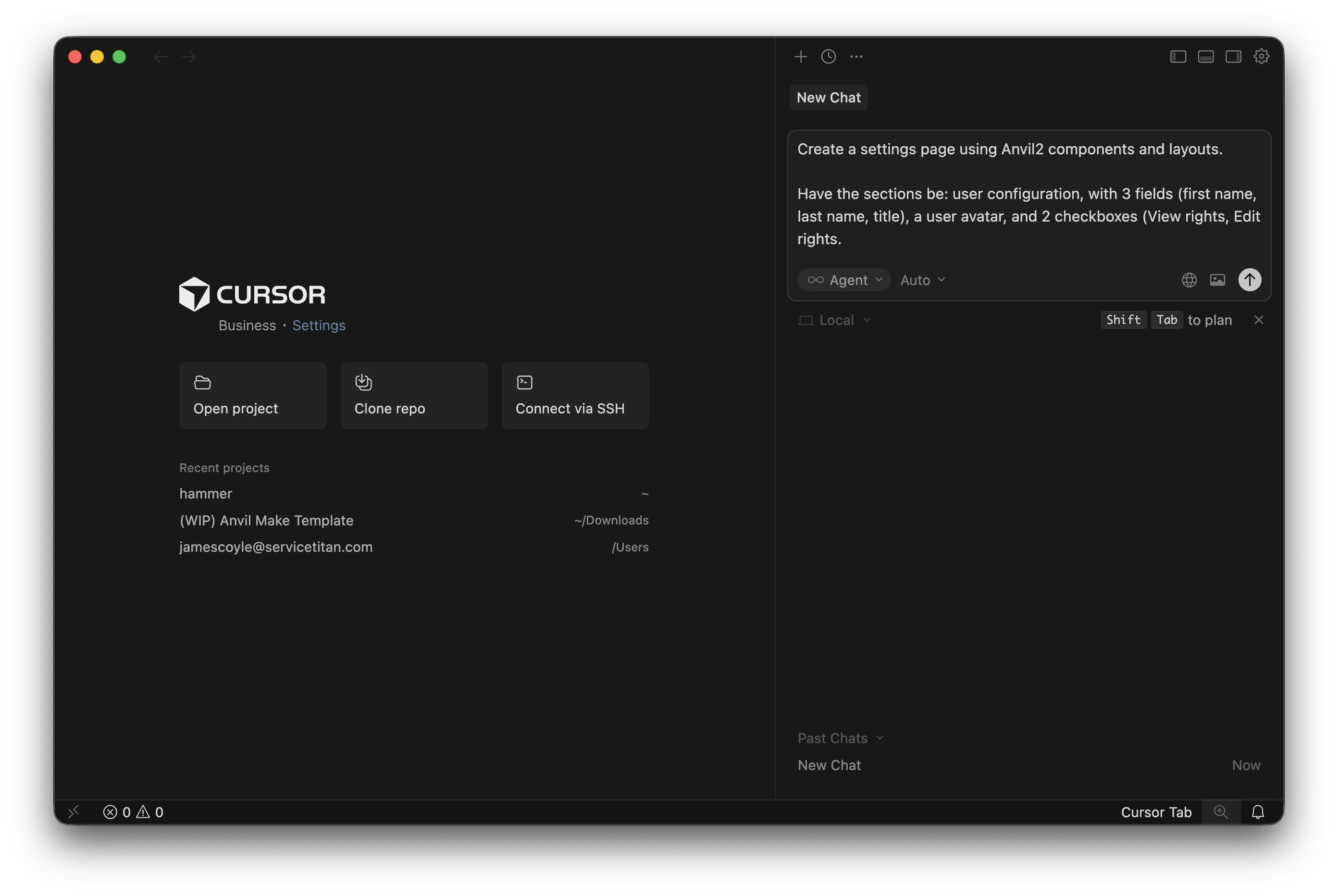
AI-powered Code Editors, such as Cursor and Claude Code, can leverage Anvil2-specific rules and guidelines to help write better code and component implementations. You can connect your code editor to [Anvil2's MCP server](#connecting-anvil2-documentation-to-other-tools) to get access to Anvil2-specific rules and guidelines.
#### Using AI-powered Code Editors as a prototyping tool
AI-powered Code Editors may be used in place of a tool like Figma Make to generate UI examples. It can be used in conjunction [with Storybook](#with-storybook), or a product environment provided by the product team.
##### Advantages of using AI-powered Code Editors over Figma Make
* Provides more powerful developer tooling than Figma Make.
* Can use many more models.
* Can more easily reference the codebase in prompts.
* Can be used in multiple frontend environments.
##### Disadvantages of using AI-powered Code Editors over Figma Make
* More difficult to share outside of a local environment.
* Can be more difficult to get started with.
## With Storybook
| Primary audience | Capabilities | Uses Anvil2's codebase? |
| ------------------------------- | ------------------------------------------------------------------------------------ | ----------------------- |
| Engineers and Product Designers | Generate UIs and test components with Anvil2 in an interactive workshop environment. | Yes, if prompted to |
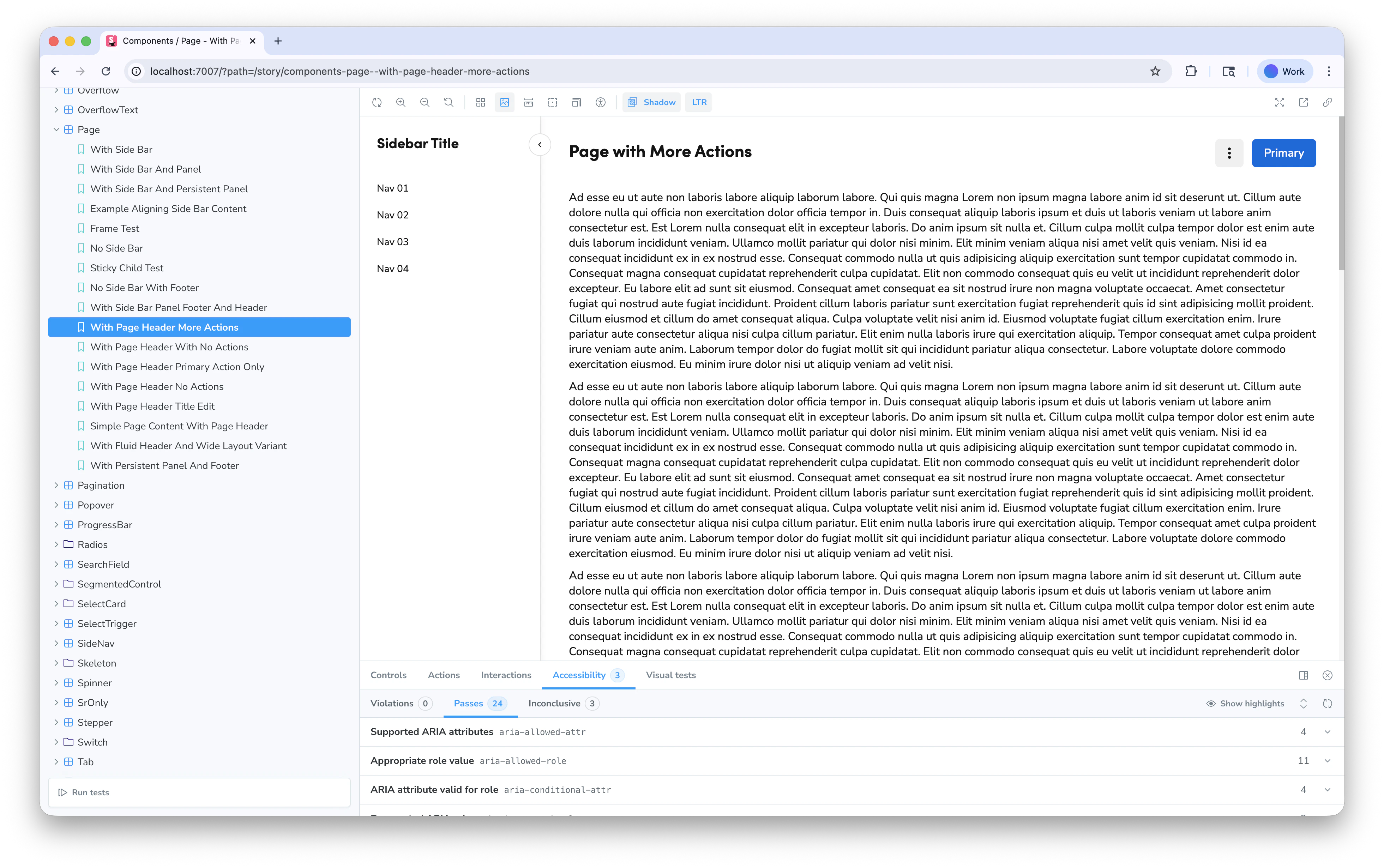
This section refers to setting up your own Storybook. Anvil2 itself also uses Storybook, but that setup is not related to this section.
Storybook provides a basic frontend shell to build your own UIs using Anvil2. Its ease of use and integration with other tools makes it a popular choice for many builders. Individuals and product areas can spin up their own [Storybook](https://storybook.js.org/). Storybook is often paired with an [AI-powered coding tool](#with-ai-powered-code-editors) to generate the actual code.
Advantages of using Storybook:
* Can quickly set up a front-end environment with minimal setup or dependencies.
* Easy to use UI for navigating your own generative content.
* On its own, is a free tool to use.
* Can be hooked up to [Chromatic](https://www.chromatic.com/) for visual regression testing.
Disadvantages of using Storybook:
* It is more difficult to share outside of a local environment.
#### Visual Regression Testing
Storybook integrates with [Chromatic](https://www.chromatic.com/) for visual regression testing, ensuring components maintain their appearance across changes. Individual projects need to be manually set up to use Chromatic.
## With Claude Design
| Primary audience | Capabilities | Uses Anvil2's codebase? |
| -------------------------------------- | --------------------------------------------- | ----------------------- |
| Product Managers and Product Designers | Prompt out prototype-grade coded UI examples. | No |
Claude Design does not use the design system under the hood. We suggest it be used only for concept work at this time. If you intend to create within the guidelines of the design system, we suggest [Figma Make](#figma-make).
Claude Design should not be confused with Claude Code, which can use Anvil2. See [AI-powered Code Editors](#with-ai-powered-code-editors).
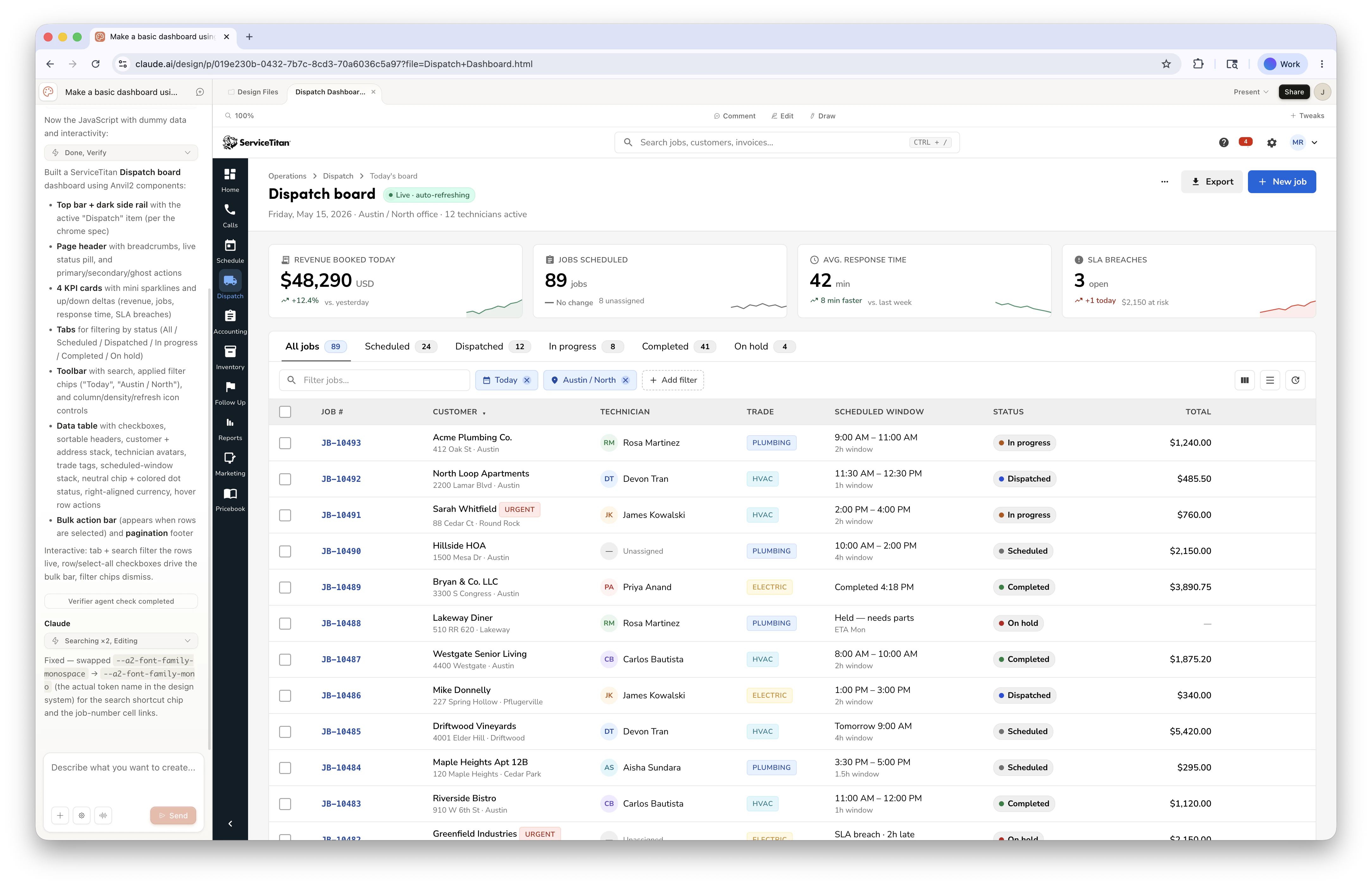
[Claude Design](https://claude.ai/design) allows builders to generate interactive prototypes and presentations using a rough representation of Anvil2. This tool is best used for quick concept work to get ideas across, relying on other tooling for higher fidelity work. Anvil provides a design system option, `Anvil2 Design System (Official • Web Product)`, to utilize.
Advantages of using Claude Design:
* Can quickly generate many ideas for a UI, and easily compare against them
* Asks the builder many useful questions when preparing a UI
* Easy to share across the ST org
* Can be sent to Claude Code for later refinement
Disadvantages of using Claude Design:
* Cannot directly use the design system
* Contains many opinionated, difficult to change instructions under the hood that deviate from ST guidance
* Cannot easily share outside of ServiceTitan
* Locked into Claude models, while other tools can utilize models such as Gemini or ChatGPT
## With other tooling
### Connecting Anvil2 documentation to other tools
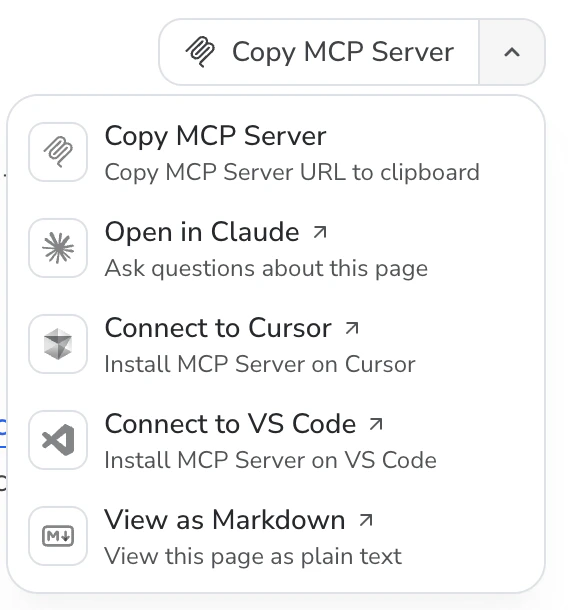
Anvil2 provides a MCP server that can be used to connect to other tools. For some tools, such as Figma Make, a connector is provided to do this. For other tools, you can manually set up the connection by taking the MCP server URL and adding it to the tool's configuration. Most setups can be additionally guided through your preferred LLM chat assistant.
#### Mintlify Documentation
The Anvil2 documentation site is built on [Mintlify](https://www.mintlify.com/), which provides:
* AI-powered chat assistant for asking questions about the design system
* MCP (Model Context Protocol) server for integration with other AI tools
* Searchable, comprehensive documentation
# General prompting guidance
We recommend making sure some level of prompting guidance is applied to any AI tooling so that the AI is aware of the context of the project and the design system. Some specific tools mentioned above provide pre-configured prompting guidance and do not need to be manually configured.
##### Have the AI know which packages are available to use
```md Example guidelines theme={null}
**ALWAYS use components from @servicetitan/anvil2**
- Import components from `@servicetitan/anvil2` or its extensions:
- `@servicetitan/anvil2` (core components)
- Check `node_modules/@servicetitan/anvil2` to see what components are available
- Prefer Anvil2 components over any other UI library or custom implementations
- Use the Anvil2 design tokens, which can be imported from `@servicetitan/anvil2/tokens`
```
##### Have the AI know to use the correct styling
Without knowing the correct way to apply styling, AI tooling will frequently create its own system, or rely on an unsupported 3rd party library. This should be avoided.
```md Example guidelines theme={null}
**Don't use these design systems or frameworks:**
- ❌ **Tailwind CSS** - Do NOT use Tailwind utility classes or Tailwind components
- ❌ **shadcn/ui** - Do NOT use shadcn components
- ❌ **Custom UI components** - Do NOT create custom button, input, or other UI components when Anvil2 provides them
- ❌ **Other design systems** - Do NOT use Material UI, Ant Design, Chakra UI, or any other design system
**Styling Rules:**
- Use Anvil2's design tokens and styling system exclusively
- Do NOT invent colors, shadows, tokens, animations, or new UI elements
- Style aligned to Anvil2 design system only
- If you need styling, check Anvil2's tokens and theming system first
```
# Additional Support
Choosing the right combination of these tools depends on your role and workflow—designers and PMs may lean on Figma, while engineers often pair Code Connect with an AI code editor and Storybook. Whatever path you take, the Anvil team is here to help in [#ask-designsystem](https://servicetitan.enterprise.slack.com/archives/CBSRGHTRS) if you hit snags or want to extend Anvil2 into other tools.