

Where Atlas Entry Points Exist
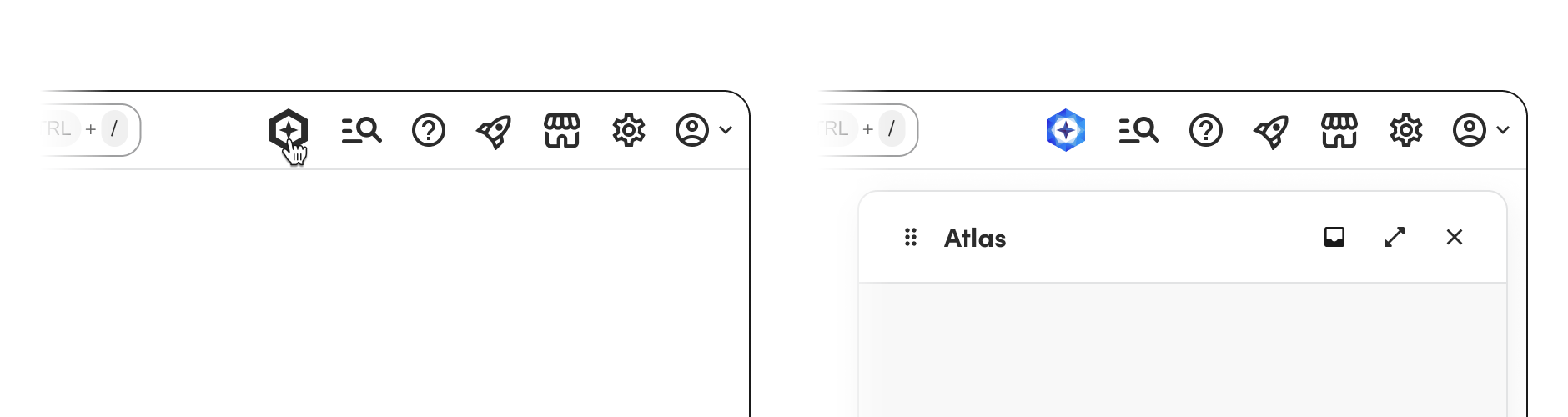
A user without access sees no Atlas entry points. The launcher is absent from the global nav.A local entry point appears only for a skill the user is enabled for. For example, a marketing summary card that requires the marketing skill is absent when the user does not have that skill.
Atlas-generated
- Field Mobile App (technicians) — a FAB, plus contextual “Ask Atlas” buttons on specific tabs.
- Atlas mobile (the standalone owner app) — chat is the entire app, not an entry point within another product.
Button Copy & Icon Rules
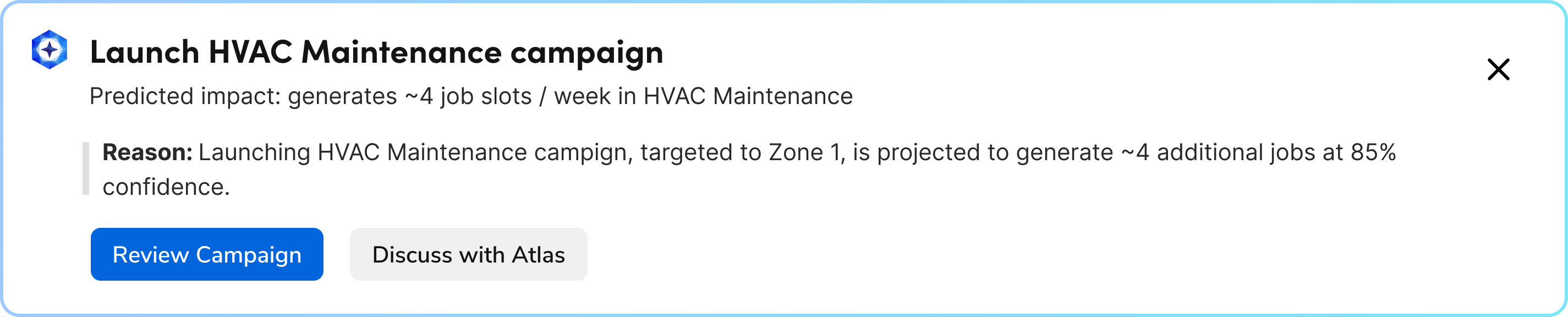
“Ask Atlas” is the default. It reads as opening a blank chat. Use a specific verb when the button should signal that Atlas already has context for that action, rather than a blank conversation. Inside a summary card (AI-generated or Atlas-generated): The icon on the card shows what is sending the summary, AI or Atlas. The button can name either one, and uses the label for that instead of an icon.- The icon lives on the card itself (AI Mark for AI-generated, Atlas logo for Atlas-generated) — never on the button.
- The Atlas/AI word choice is independent of the card’s own icon — an AI-generated card can still have a button that says “Investigate with Atlas.” Pick whichever word reads clearer for that specific action.

AI-generated
Atlas-generated. Only one button follows these rules — Review Campaign isn’t an Atlas action.
