Anatomy

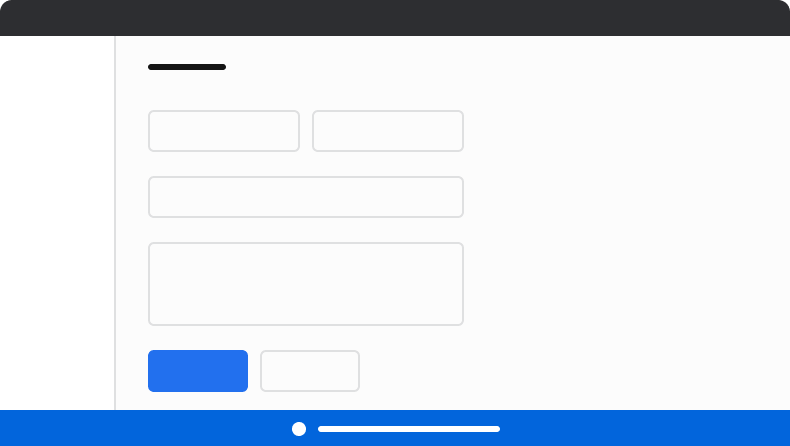
The Announcement consists of five primary elements that work together to communicate app-wide information to users.

Anatomy of an
Announcement
  1. Status background
  2. Status icon
  3. Title
  4. Action (Optional)
  5. Close action (Optional)

Options

The Announcement supports three status types and flexible action configurations to accommodate various app-wide messaging scenarios.

Status

Status typeDescription
InfoUsed for neutral or positive app-wide information.
WarningUsed for important message to users, typically requiring action soon.
DangerUsed to convey a major, blocking app-wide issue.

Close

Preserve the close action by default. Remove it only when an announcement must persist, such as in warning or danger scenarios.

Action

An optional, single action can be added to the Announcement.

Behavior

The Announcement responds to content overflow by truncating text while maintaining its fixed height.

Overflow handling

When space is unavailable, text truncates. The Announcement height remains constant.

Usage Guidelines

When to Use

Announcements convey app-wide information. Examples include feature releases, maintenance messaging, and sandbox status.

When not to use

Announcements should not be used for specific sections of an app, or to convey normal error messaging.

Alternatives

Announcement vs Alert

Announcements are used to convey app-wide information. They are placed as a global element on the page. Alerts are contextual to an area of an app, and are more flexible in scope and layout position.

Announcement vs Toast

Announcements are used to convey app-wide messages, such as a new release being available, application maintenance, or sandbox information. Toasts are short pieces of information usually prompted by user action.

How to Use

Layout positions

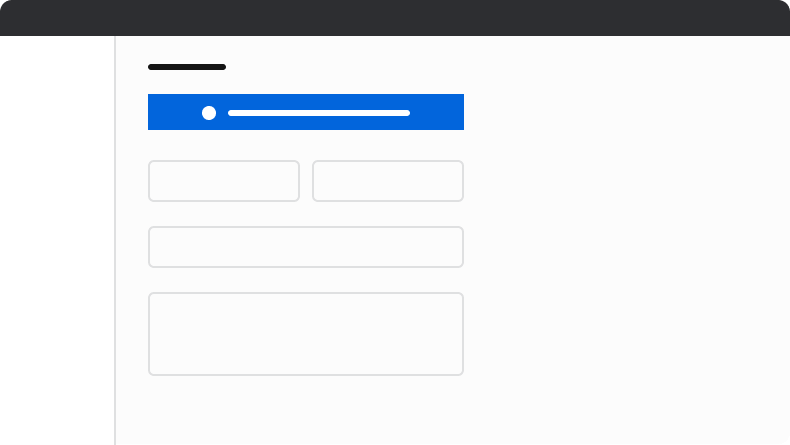
Position announcements above all other elements with sticky or fixed positioning. If top placement is not possible, bottom placement with fixed positioning is an alternative, though not recommended. Do not place announcements in other locations.
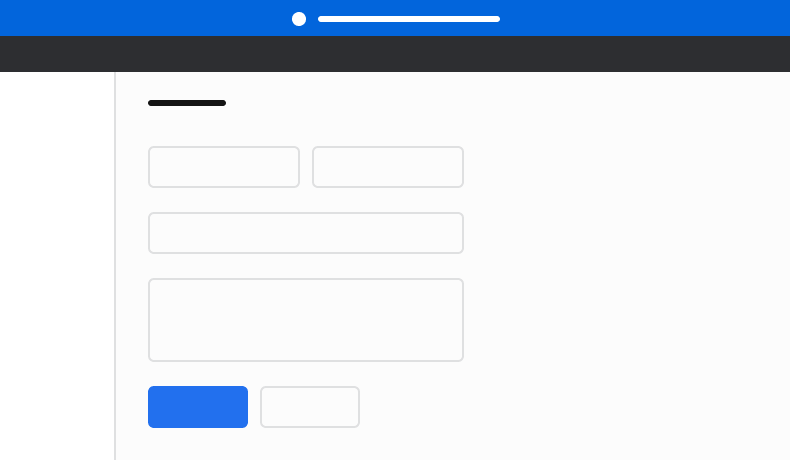
Announcement How Placement
Do
Do
Announcement How Placement
Caution
Caution
Place announcements at the bottom only when top placement is not possible.
Announcement How Placement
Don't
Don’t
Don’t place Announcements inside normal content.

Content

Content within the Announcement should communicate clearly and concisely, helping users understand app-wide situations and take appropriate action.

Make clear and concise announcements that are easy to read and scan

Keep to 1 to 2 sentences where possible. Put the most critical information first. When action is required, explain the main task and why the user should do it. Don’t use periods in short phrases or single sentences, and use sentence case. This helps make the content easier to read and more scannable.

Make announcements action-oriented

Provide an action when possible to allow users to resolve the issue described in the announcement. Follow content guidelines for Buttons.

Buttons should be clear, predictable, and action-oriented

Users should be able to predict what will happen when they click a button. Lead with a strong verb that encourages action. Use a verb/noun pair on actions in most cases. Common actions like Save, Close, or Cancel do not require an accompanying noun.

Keyboard Interaction

Users can navigate the Announcement using standard keyboard controls. If an action exists in the Announcement (the close or optional action), it will use the Button’s keyboard interactions, otherwise the Announcement has no keyboard interactions.
Last modified on January 23, 2026