

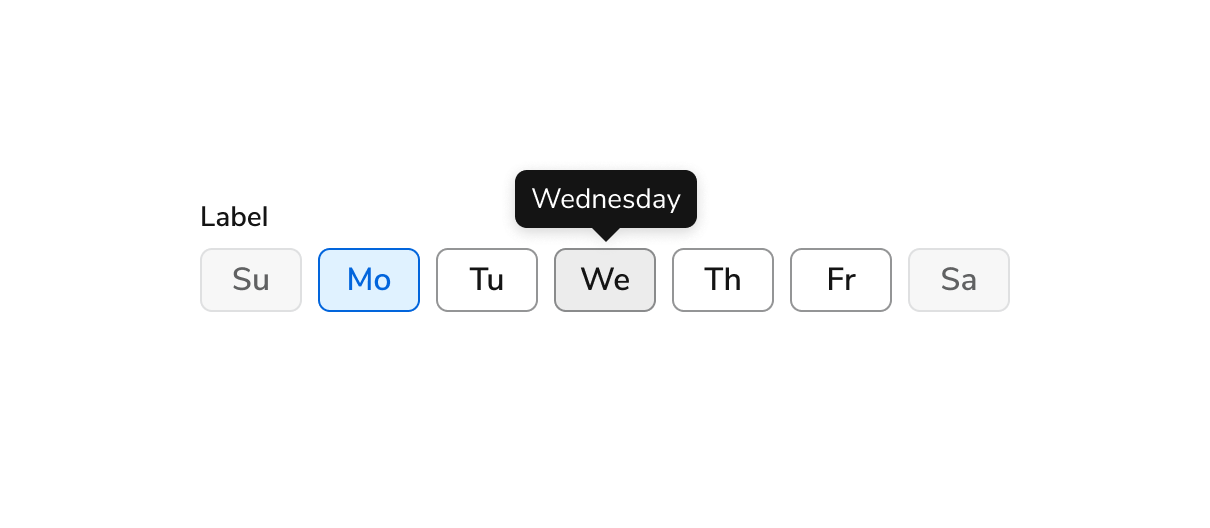
Anatomy
The Days of the Week consists of ten primary elements that work together to allow users to select days of the week.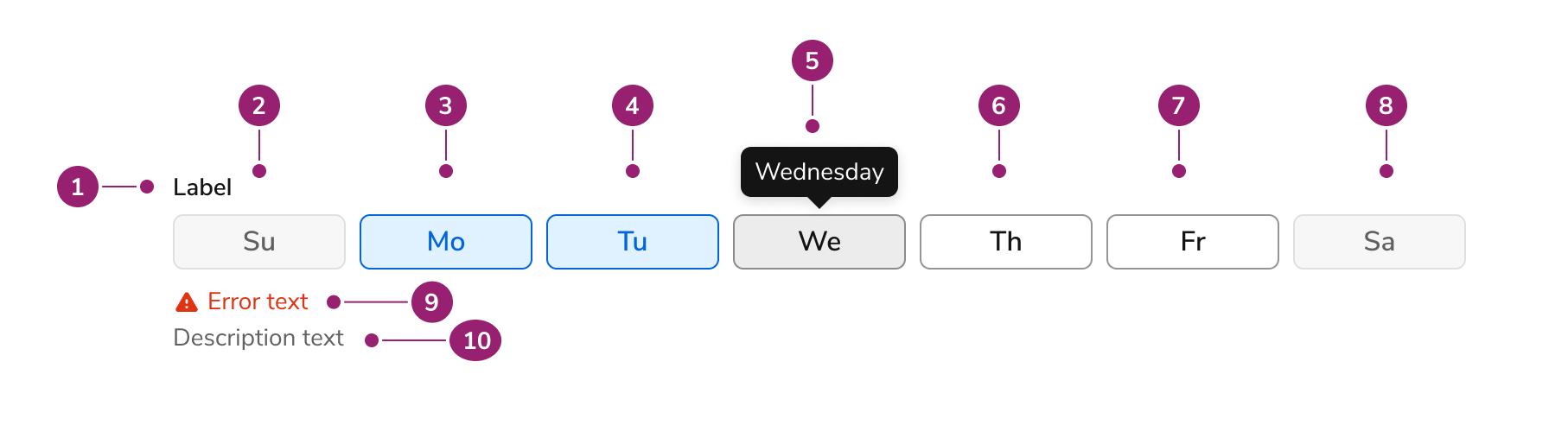
- Label
- First day of the week (in disabled state)
- Second day of the week (in checked state)
- Third day of the week (in checked state)
- Fourth day of the week (in hovered state, with tooltip with full name)
- Fifth day of the week (in unchecked state)
- Sixth day of the week (in unchecked state)
- Seventh day of the week (in disabled state)
- Hint/error text (in errored state)
- Description text
Options
The Days of the Week supports configurable start date configurations to accommodate various week representation scenarios.Default start date
By default, Days of the Week starts the week on Sunday.Configured start date
This behavior is configurable. The first day of the week here is set to Monday.Behavior
The Days of the Week responds to user interaction with distinct visual states and responsive width behaviors.Visual States
Day States
Each day of the week can be unchecked, checked, or disabled. On hover, the day of the week displays the full name of the day.Responsive Behavior
Days of the Week shrinks to 328px wide and grows to a maximum of 748px wide.Usage Guidelines
How to Use
Accessible Labels
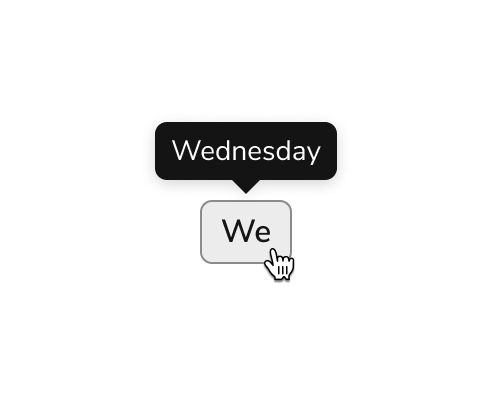
Do
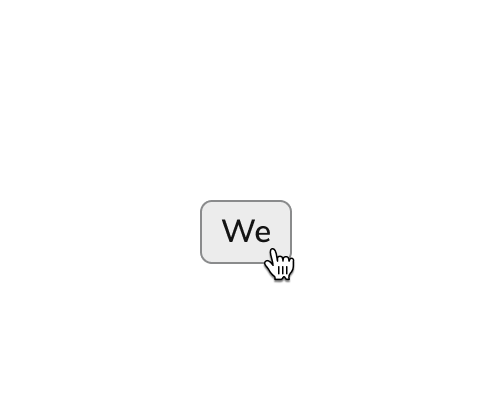
Don’t
Abbreviation
Do
Don’t
Content
Content within the Days of the Week should clearly communicate day selections through consistent abbreviations.How to abbreviate days of the week
- To keep interfaces clear and scannable, use two-letter abbreviations for days of the week (e.g., Mo, Tu, We). These are concise, easy to read at a glance, and align with how similar tools present this information.
- When possible, pair the abbreviation with a tooltip that shows the full day name on hover. This improves accessibility and helps avoid confusion, especially for less common abbreviations like “Tu” or “Th.”
Which day starts the week
- By default, weeks start on Sunday in the date recurrence picker. This setting is configurable from within the component.