

Anatomy
The Time Field consists of nine primary elements that work together to allow users to enter a time into an input.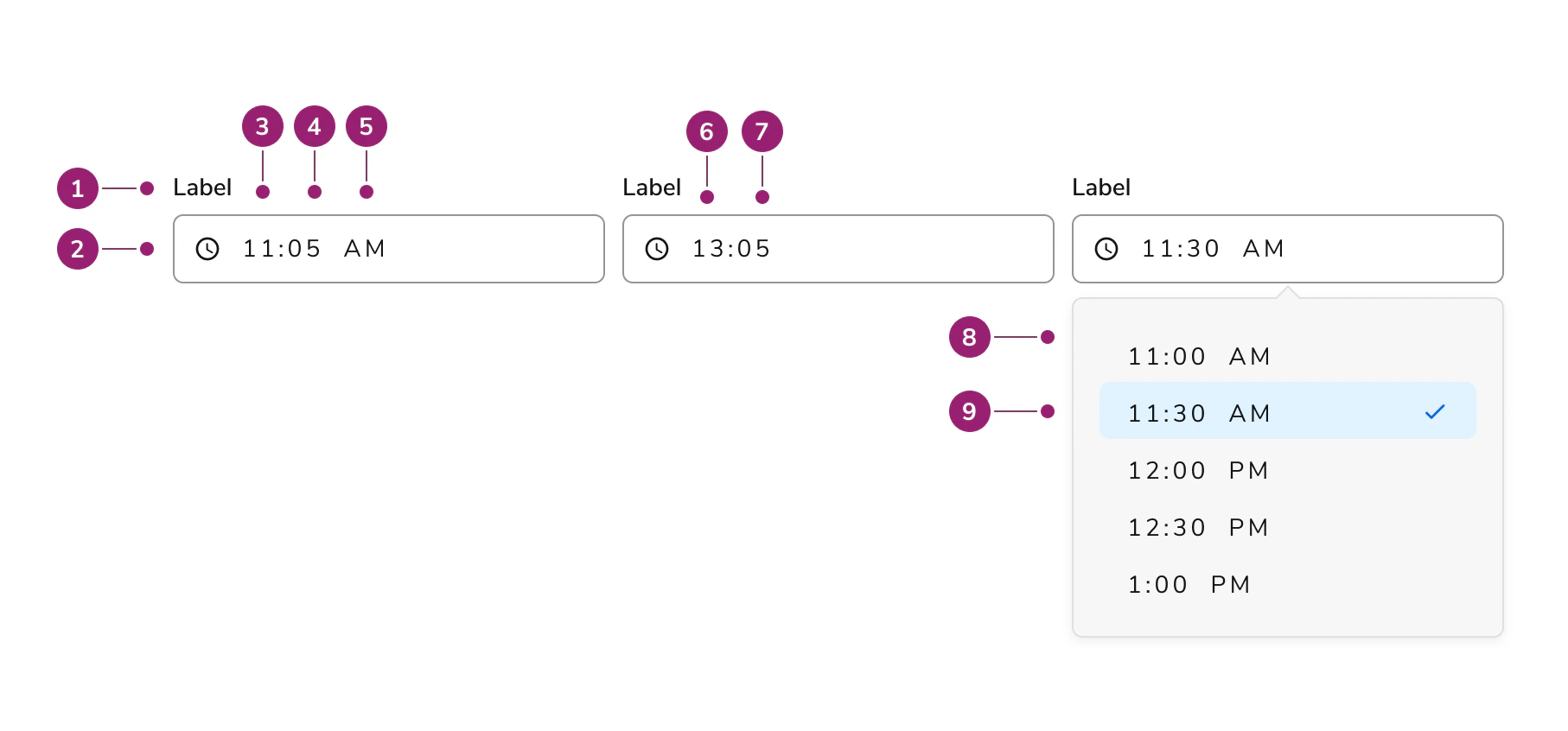
- Label
- Clock icon (permanent)
- Hours (AM/PM variant)
- Minutes (AM/PM variant)
- AM/PM marker
- Hours (24hr variant)
- Minutes (24hr variant)
- Options panel
- Selected option
Options
The Time Field supports 12-hour and 24-hour format configurations to accommodate various time entry scenarios.12hr vs. 24 hour
Time Field supports 12-hour and 24-hour formats. 12-hour format is the default.Behavior
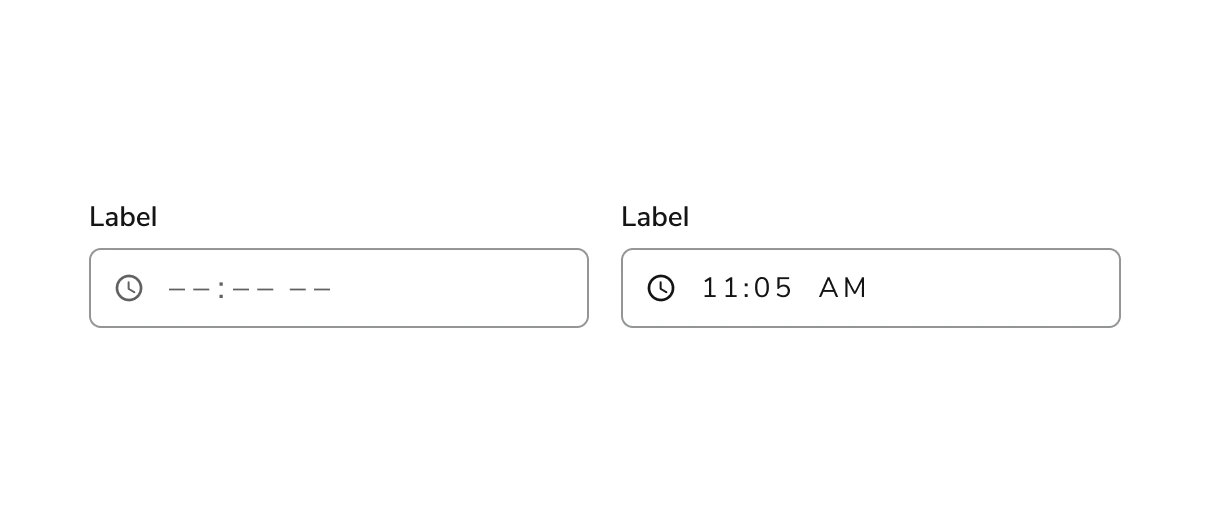
The Time Field responds to user interaction with distinct visual states, error handling, and min/max constraints.Visual States
Erroring
- Errors occur when the field is required and the developer has added definitions for
isInputInvalidandisInputEmptyproperties on blur. - When auto-rounding is set to
trueand the user enters a non-rounded value, the value updates on blur without erroring. - When users must enter a time at a particular interval, use an input with suggestions and steps instead of erroring to guide the user.
- Read more about validation in the code tab.
Min/max setting
- Input accepts both min and max values.
- For option time fields, this sets the available options to a min and max based on the increment step.
- Times outside the time frame constraints cannot be entered into the field.
- Read more about min/max setting in the code tab.