

v1.2.7 (Hammer v1.4.0).
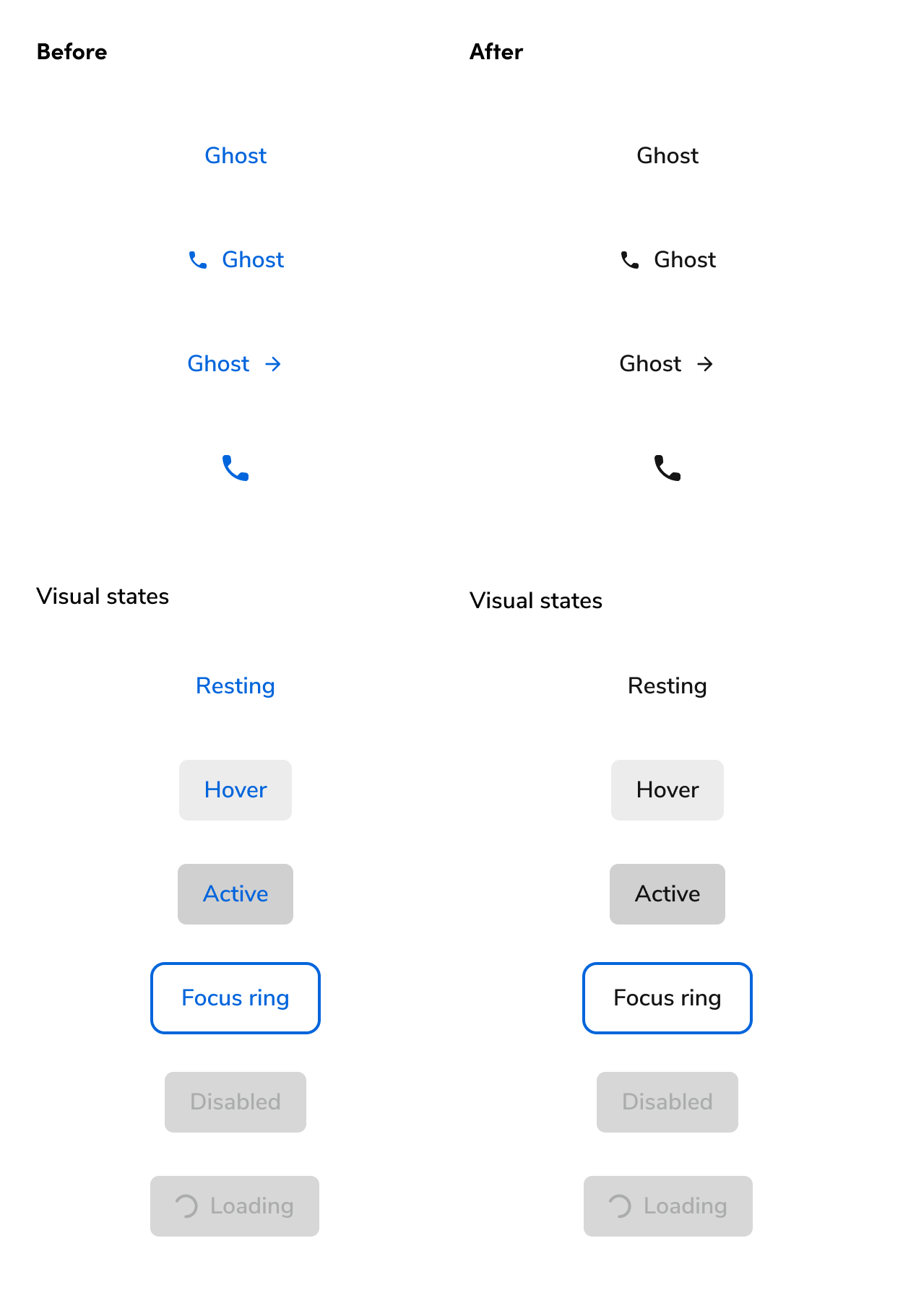
Updates to Button guidance
As part of this change, we updated our Button guidance to reflect these new changes. The new guidance changes allow for more combinations between primary, secondary, and ghost Buttons, where before, more restrictions existed due to visual issues across the Buttons.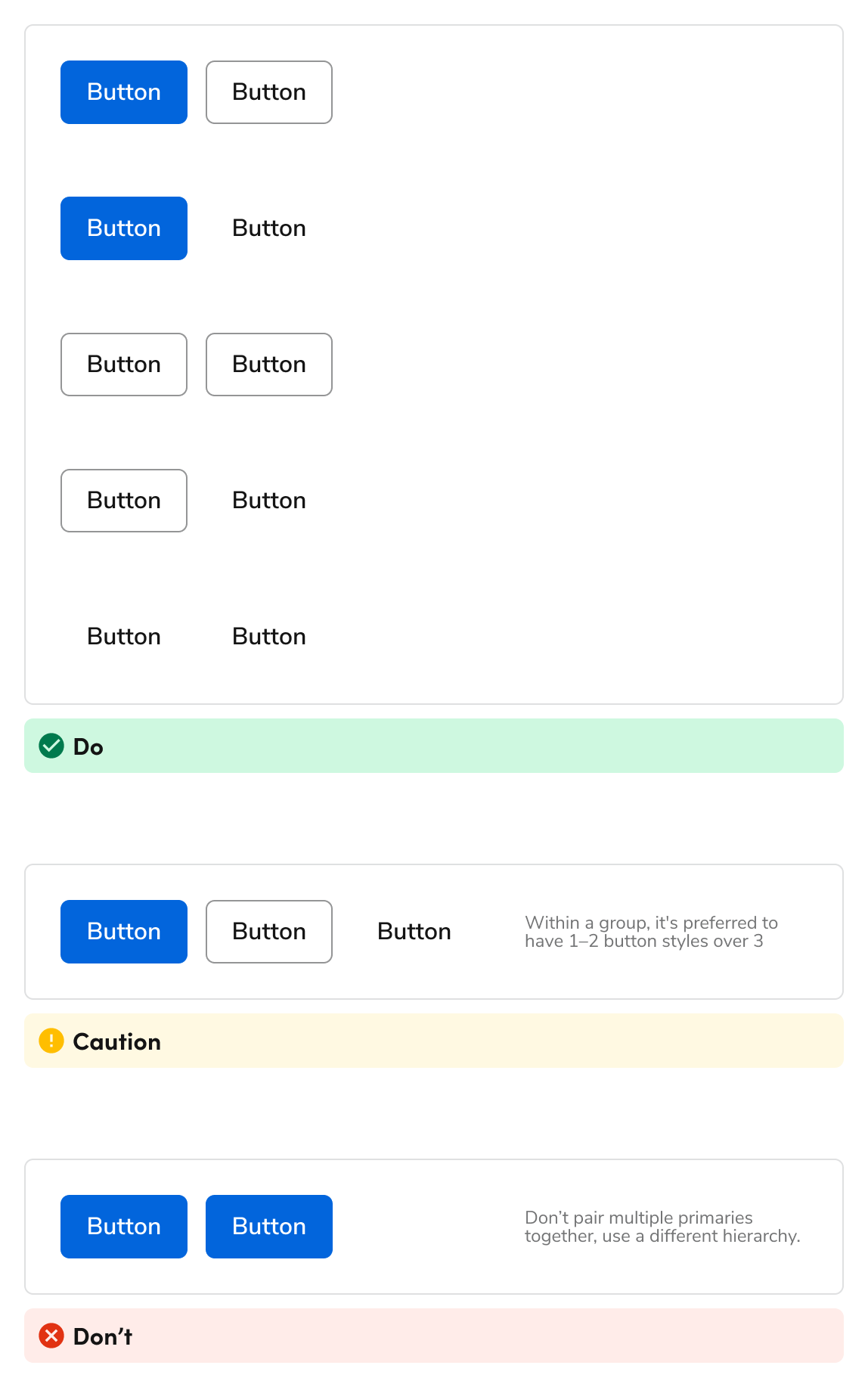
Why did we make this change?
When the ghost Button was blue, it limited the number of options available to designers to a fault. There lacked a particularly quiet Button style. Many interfaces, including Anvil itself, use a black ghost style, but was not providing one for consumers. The blue ghost Button also limited the hierarchy options in a UI. You were unable to pair a secondary and ghost Button style together for example due to their similar visual weight in practice. This new style now encourages this pairing.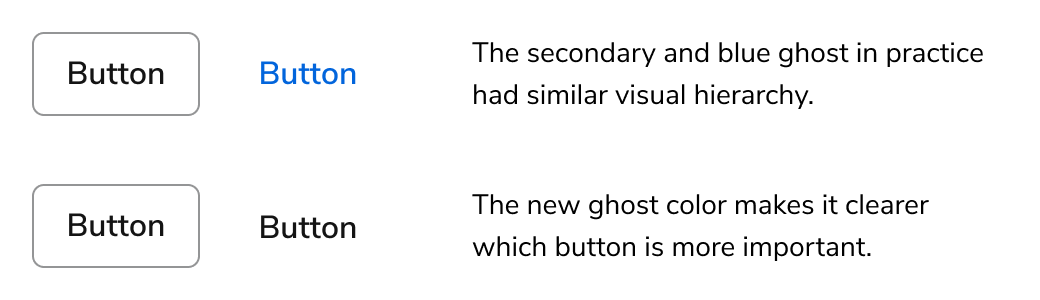
What actions do I need to take?
For designers
Make sure the A2 Figma library in your files is up-to-date to receive the changes. This change does not reduce pairing combinations, so no direct action is needed on your end. If you were looking to use ghost Buttons more often, you may refactor your files as needed.For developers
No change is needed for developers, as long as the version of the design system being used is at least Anvilv1.2.7 (Hammer v1.4.0).