

Area charts include two main types:
- Stacked area charts show how multiple series add up to a total over time, highlighting the contribution of each part.
- Overlapped area charts display individual series on top of each other with transparency, making it easier to compare trends, but harder to read when there are many categories.
We do not use overlapped area charts to avoid visual clutter and misinterpretation.
Variable Ordering
Each color has its assigned stroke.
| 1 Variable | 2 Variables | 3 Variables | 4 Variables | 5+ Variables |
| If your chart has one variable, start with the default hue in the palette. | If your chart has two variables, use the default and dark blue. | If your chart has three variables, add the diagonal pattern. | If your chart has four variables, add the lightest blue with a stroke. | For five + variables, see our extended color palette. |
 |  |  |  |  |





How to incorporate color:
Below are example sof Area of Focus charts that use both monochrome and categorical color palettes. See examples on how to implement color below.Monochrome palette for area charts
Use the monochromatic color palette for charts that have 4 variables or less.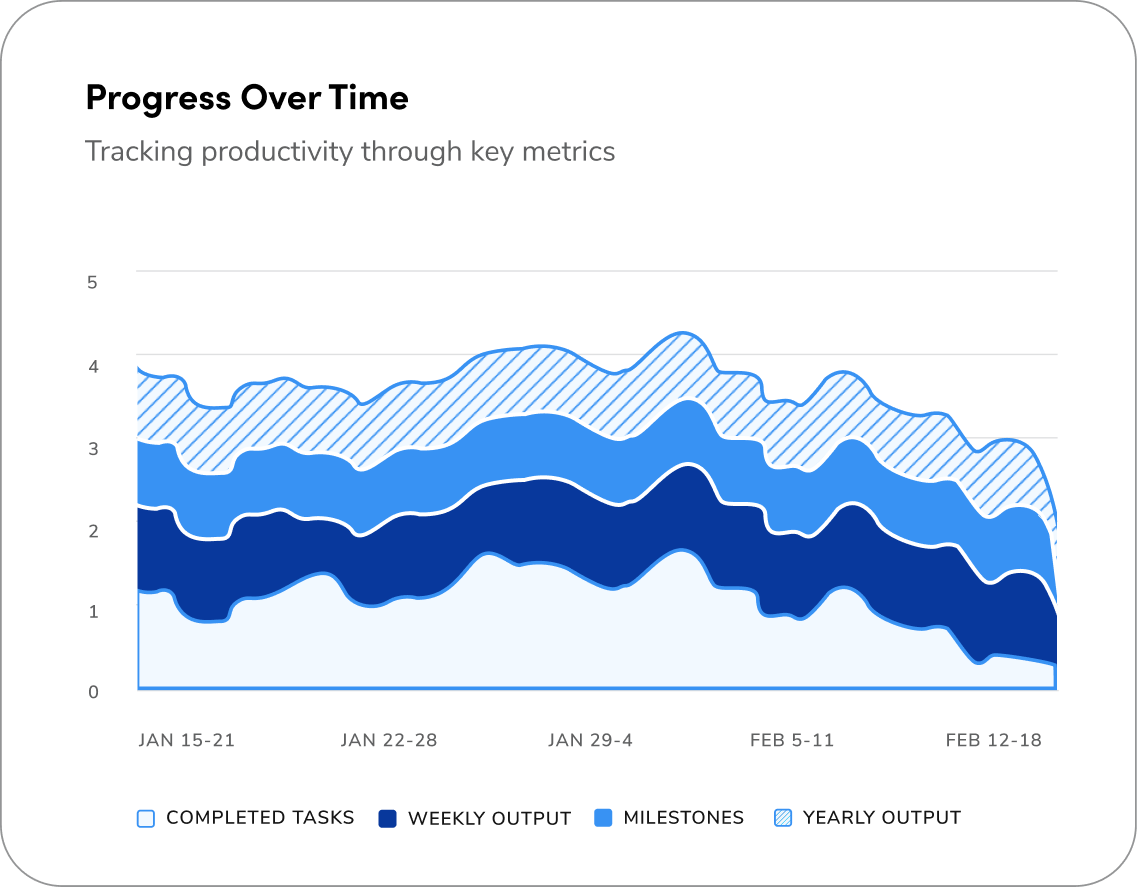
Categorical palette for area charts
Use the monochromatic color palette for charts that have 4 variables or less.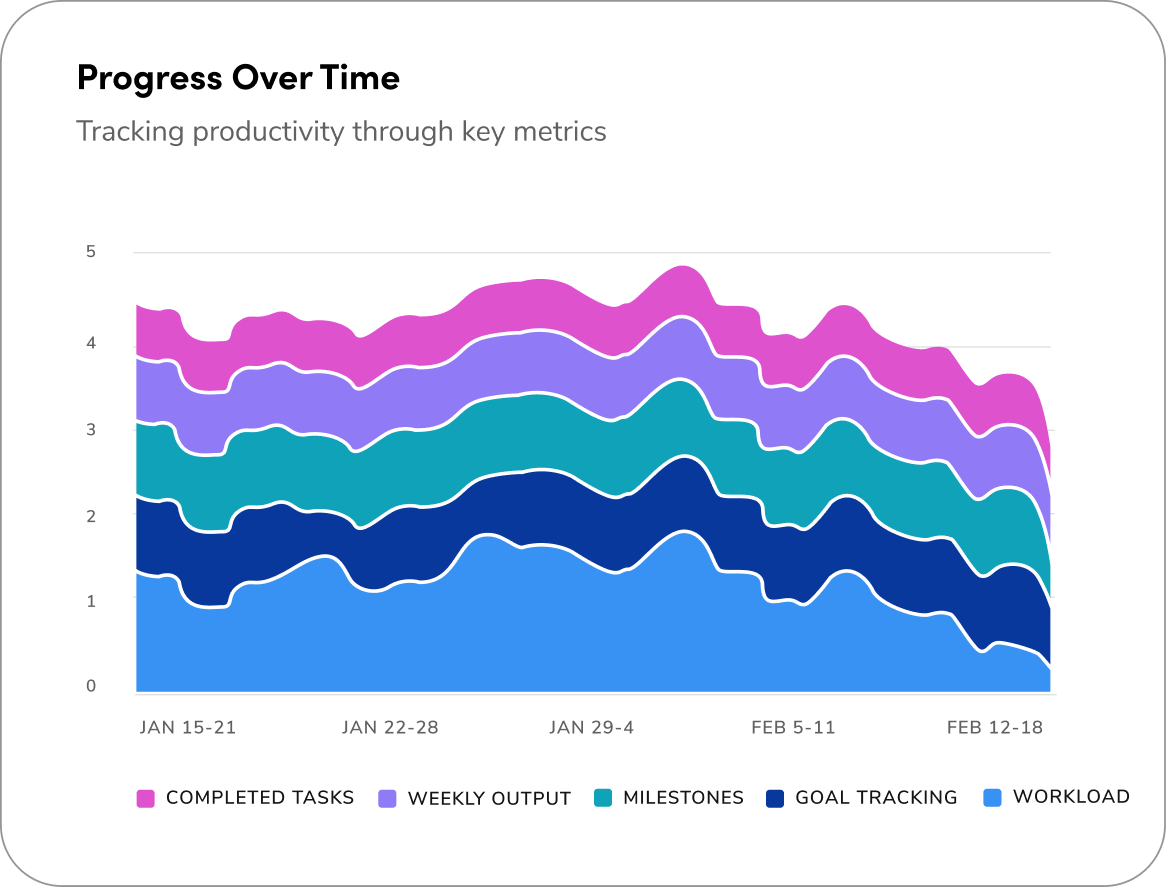
How to Use
Questions? Challenges?
Contact the Visual Design team on the #ask-vizd channel