

Background Tone for Totals
When a chart includes a background neutral tone to indicate the total of a field, such as in a progress bar, but does not need to represent a specific data set, use Blue-Grey 100.

Contrast
Our monochrome color palette adheres to the 3:1 AA contrast standard for graphical objects. This references the color to the chart background (white) as well as a 3:1 contrast between the colors. This is why we recommend 4px spacing between spacing on charts.



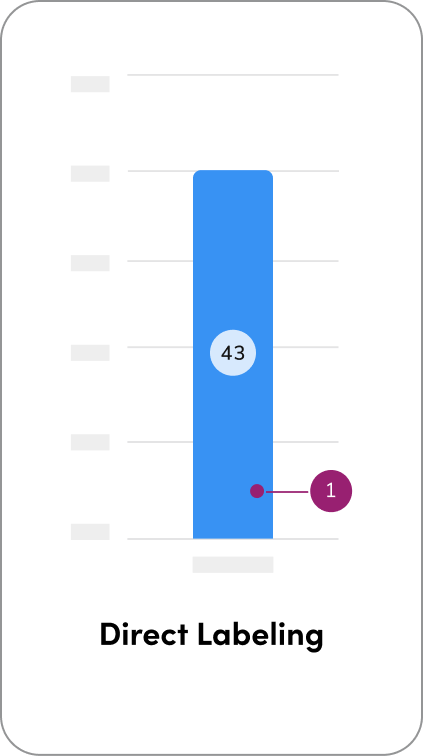
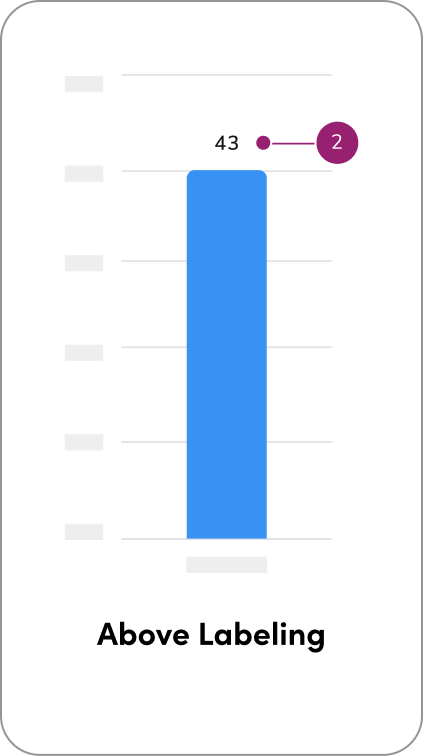
Direct Labeling
There are three primary approaches for applying direct labeling in charts, each offering varying levels of visibility and user interaction depending on the complexity of the data.- Direct labeling on values places the label directly on or adjacent to each data point. This approach provides immediate visibility and quick readability, making it ideal for dense datasets where users need to interpret values at a glance without additional interaction.
- Above labeling positions labels around the chart rather than directly on the data points. This method is useful when visual clarity or spacing is a concern, such as in cases where labels may overlap or obscure the chart elements. Above labeling maintains legibility while preserving the visual integrity of the chart.
Questions? Challenges?
Contact the Visual Design team on the #ask-vizd channel
Hover states
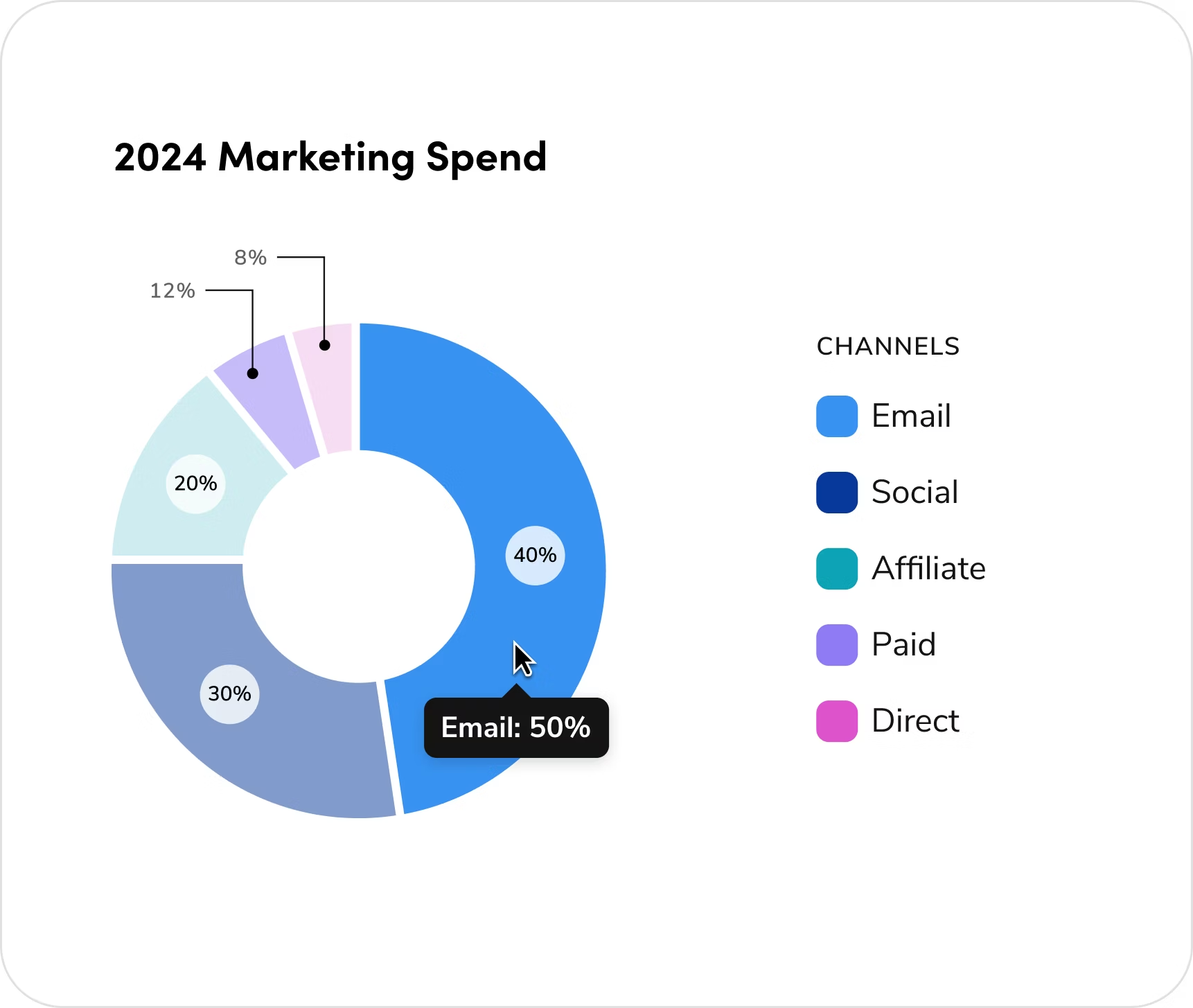
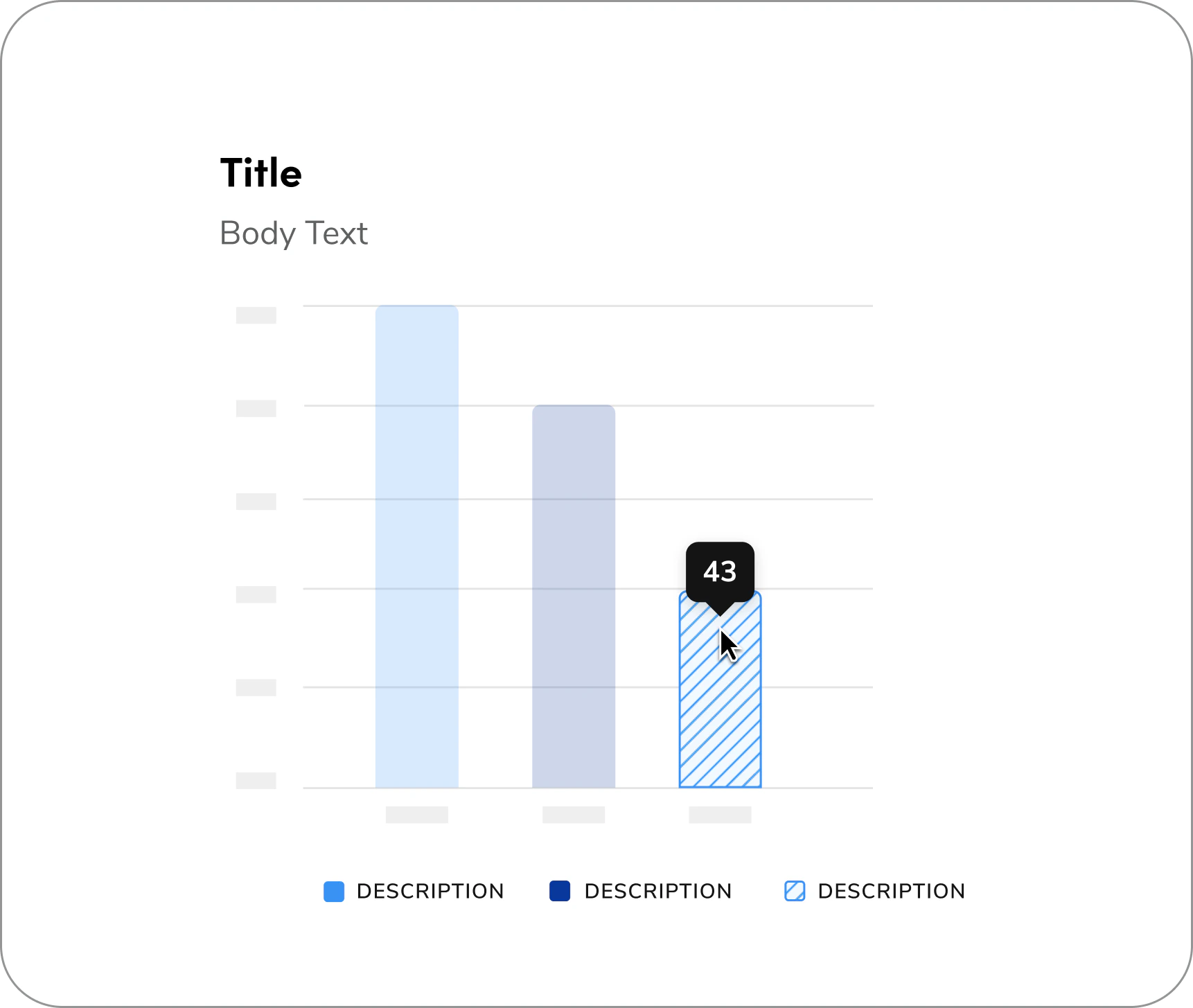
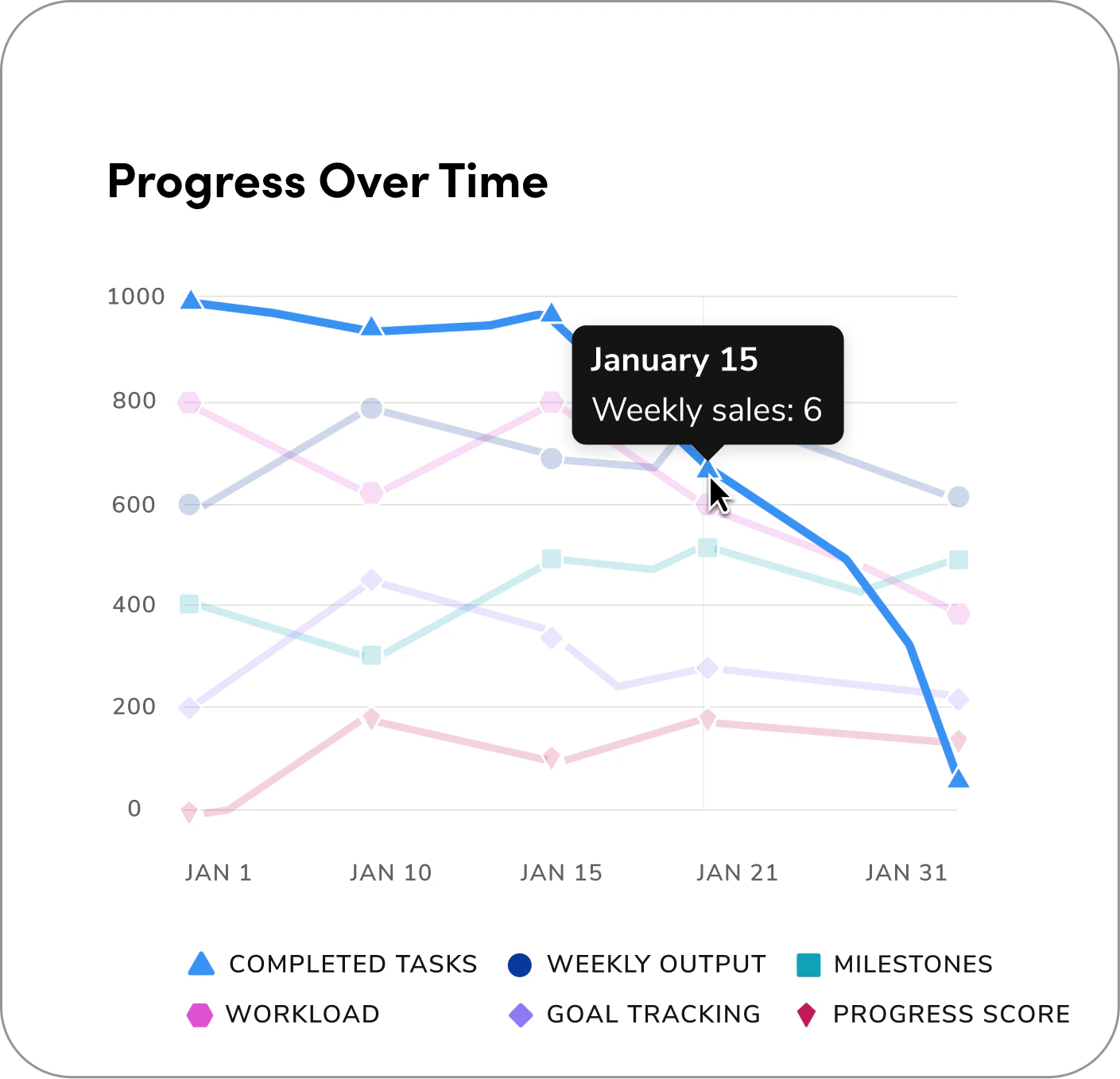
Hover State Tooltip: hows additional or detailed information only when a user hovers or focuses on a specific element. It helps keep the visualization clean and uncluttered while still providing access to precise data on demand.Hover State Tooltip

Note: When hovering over a data point, all other colors (besides the hovered one) should have 20% opacity to keep the focus on the selected element.
Questions? Challenges?
Contact the Visual Design team on the #ask-vizd channel